
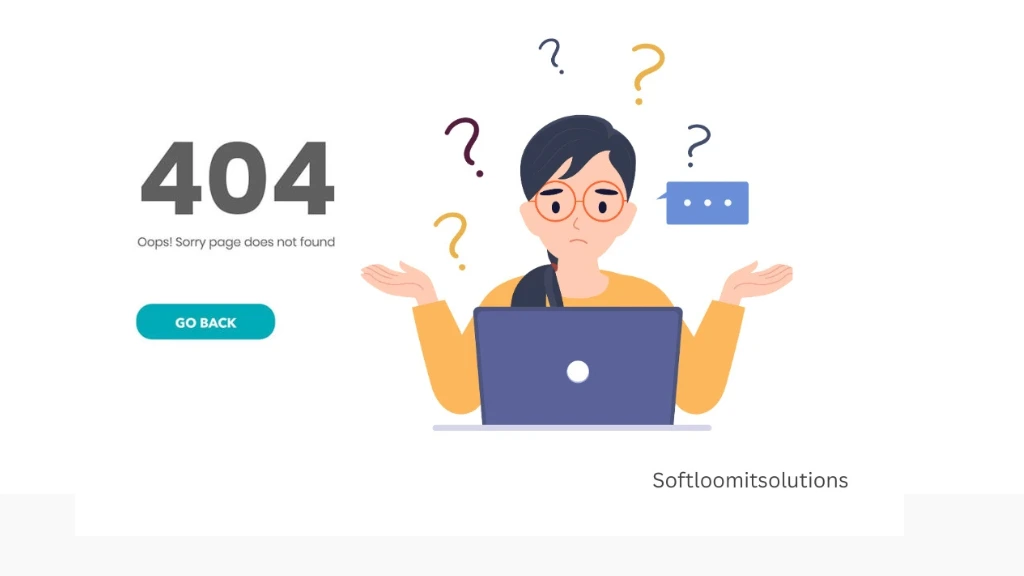
The internet is a vast landscape, and every website will face a few bumps in the road. One of the most common and frustrating experiences for users is stumbling upon a 404 error page, indicating that the page they sought is no longer available. While a 404 error can be a minor setback, it doesn’t have to be detrimental to your website’s user experience or SEO performance. In fact, with the right approach, you can transform this seemingly negative occurrence into an opportunity for engagement and conversion. Think creating a 404 page is just a dead end? Think again. We’ll teach you how creating a 404 page can turn setbacks into SEO wins and keep users exploring.
Understanding the Impact of 404 Pages on SEO
When users land on a 404 page, it typically means they’ve encountered broken links or removed content. While search engines like Google understand that not every link will remain active indefinitely, frequent 404 errors can signal to them that your site may not be well-maintained. This can lead to a drop in rankings. Furthermore, if users consistently encounter 404 errors without a clear path to finding what they need, they are likely to bounce from your site, increasing your bounce rate and further impacting your SEO.
Key Elements of an Effective 404 Page
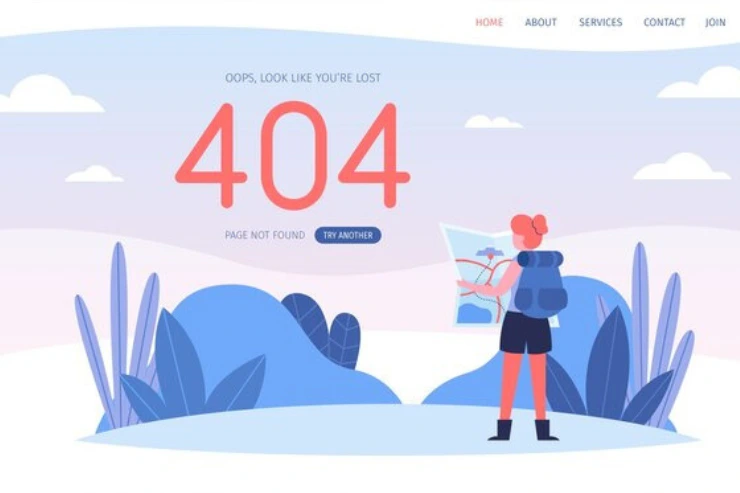
Start with a straightforward and friendly message that informs users they’ve hit a dead end. A simple “Oops! That page doesn’t seem to exist” can set the right tone. Avoid technical jargon and keep it light-hearted to maintain user engagement.
Ensure your 404 page maintains the same branding as the rest of your website. Use your brand’s colors, fonts, and tone to create a cohesive user experience. This familiarity helps reassure users that they are still on your site, even when things go awry.
Include links back to popular sections of your site, such as the homepage, blog, or product categories. This encourages users to continue exploring rather than abandoning your site entirely. Consider adding a search bar to help users find the content they were looking for quickly.
A little humor can go a long way in softening the blow of a 404 error. A light-hearted image, pun, or playful language can turn a frustrating moment into a memorable interaction. You can use phrases like “Looks like this page is having a coffee break.”
Consider using custom graphics or illustrations that align with your brand’s identity. Visual elements can make your 404 page more engaging and less frustrating for users. A creative design can leave a positive impression even in the face of disappointment.
Encourage users to report the broken link they encountered. This not only helps you identify issues but also makes users feel involved in improving your site. You might include a simple form or an email address where they can report problems.
Consider setting up redirects for any important pages that are no longer available. If a user attempts to access a page that has been moved, a redirect can guide them to a relevant page instead. This keeps users engaged and helps maintain your site’s SEO authority.
Best Practices for Optimizing Your 404 Page
Creating an effective 404 page is not just about aesthetics; it’s also about optimizing it for search engines. Here are some best practices to keep in mind:
Rather than relying on a generic server error page, customize your 404 page. This enhances the user experience and can improve SEO by ensuring that search engines properly index your 404 page.
Fix broken links as soon as possible by regularly auditing your site. Tools like Google Search Console can help identify URLs that return 404 errors, allowing you to fix them before they impact your SEO.
Implementing best practices like adding navigation options and setting up redirects can improve user experience. For more advanced SEO support, consider our SEO services.
Ensure that your XML sitemap is up to date. This helps search engines understand the structure of your website and find alternative pages to index, even when some pages are missing.
Utilize analytics tools to monitor how users interact with your 404 page. Be sure to monitor bounce rates and engagement metrics. Adjust your design and content based on user feedback to continuously improve the experience.
While creativity is essential, avoid cluttering your 404 page with too much information. A clean design allows users to focus on finding their way back to relevant content without being overwhelmed.
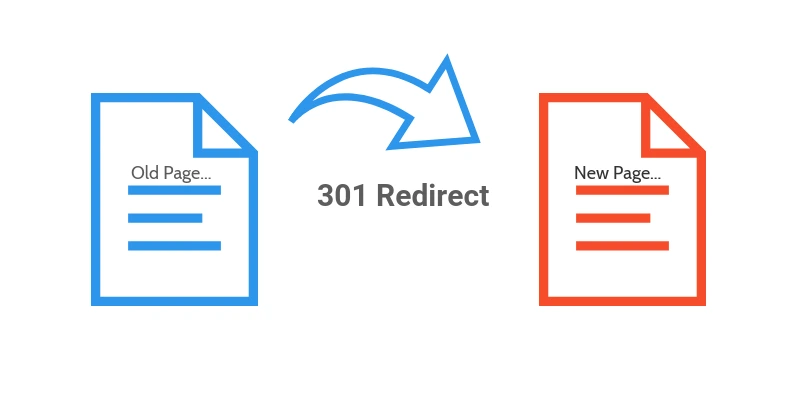
If you have removed a page that was generating traffic, consider using a 301 redirect to guide users to a similar, relevant page. This helps maintain SEO value and enhances user experience.
Conclusion
Creating a 404 page that doesn’t hurt your SEO is all about turning a potentially negative user experience into a positive one. By providing clear messaging, consistent branding, navigation options, and a touch of humor, you can engage users and encourage them to explore your site further. Regularly monitoring your site for broken links and making timely updates will help maintain your SEO health and user satisfaction. Remember, every aspect of your website, including the often-overlooked 404 page, plays a critical role in shaping user experience and search engine visibility. By implementing these strategies, you can ensure that even when users hit a dead end, they still leave with a positive impression of your brand.
